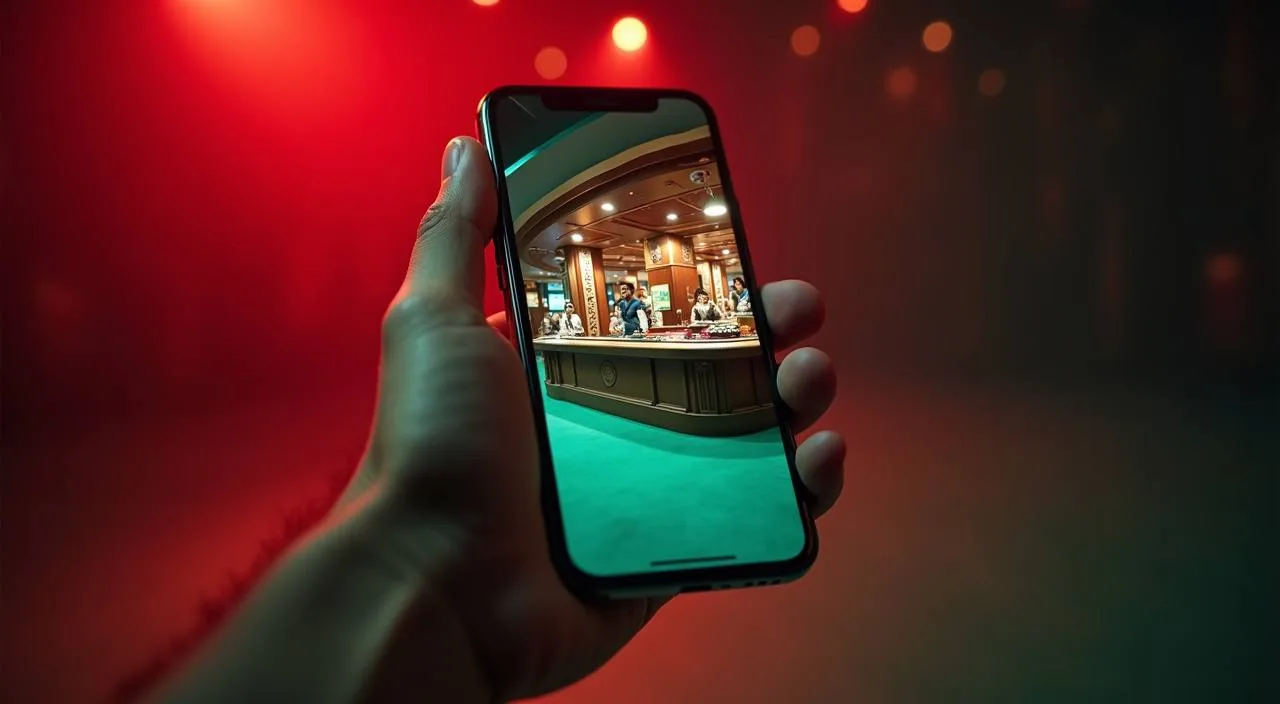
The beet333 lobby loads directly in your mobile browser — no store search needed, no waiting for an install. Open beet333, sign in, and your account wallet, game catalog, and help routes are all right there on screen. Availability depends on your local law and eligible regions.
When you open beet333 on a mobile browser, the layout shifts to a single-column format built for smaller screens. The game catalog — slots from CQ9, PG Soft, JDB, and Bigtime Gaming alongside live tables — scrolls horizontally in category rails, so you
PAGE BEHAVIOUR DETAIL
Mobile Access Features Inside the Browser
The browser-based mobile layout is built around four visible behaviors that matter to how you navigate the site day to day. These are the features you can verify yourself by opening beet333 on any current Android or iOS browser — no claims here that go beyond what the rendered page shows.
Responsive Layout
The page reflows automatically for portrait and landscape phone screens. Horizontal category rails keep the game catalog scannable. Section headings and account controls stay reachable at the top bar without zooming or horizontal scrolling.
Account Access
Sign-in, wallet balance, deposit entry, and withdrawal history all load within the same browser session. You do not need a separate app to check your account or review a recent bKash or Rocket transaction record.
Game Discovery
Slots, live tables, and crash games are organized by category rail. Titles such as Cricket Super Over and Football Quickbet appear under their respective sport or game-type filter, so you reach the right section in two taps from the home screen.
Help Page Access
The support and FAQ section loads from the footer on any screen size. You can reach published help routes, account recovery steps, and deposit guidance without switching to a desktop device or opening a second browser tab.
THREE STEPS IN
Mobile Access in 3 Steps
Getting into the beet333 lobby on mobile does not involve an app store or a file download. The process runs entirely through your phone browser — Chrome, Firefox, or the built-in Android browser all work. Here is how to get there cleanly and securely from any current mobile device.
Open the Site
Type beet333 directly into your mobile browser address bar. Do not search for it through a third-party link — go to the domain directly to make sure you are on the correct page.
Check Browser Compatibility
The layout requires a current browser version. If the page does not display correctly, update your browser from your device's app store. Safari on iOS and Chrome on Android both render the full responsive layout without any extra configuration.
Sign In Securely
Use your registered account credentials. Your account wallet, recent transactions, and game lobby all load after sign-in. If you are logging in on a shared device, use the sign-out option in your account menu when you finish your session.
Check App Status
If a native app build becomes available, the download or install option will appear in your signed-in account area or on a dedicated page at beet333. Check there for the current published status rather than relying on third-party sources.
DEVICE AND BROWSER CHECK
Compatibility: What to Verify Before You Start
Before you commit to a session on mobile, it is worth running through these checks. The browser-based layout is designed to work across a wide range of current devices, but your specific browser version and network conditions affect how the page loads and how game sessions run.
Browser Version
Use a current release of Chrome, Firefox, or Safari. Older browser builds may not render the category rails or account menu correctly. Update your browser first if the layout looks broken on arrival.
Screen Layout
The responsive grid is built for screens from 360px wide upward. Portrait and landscape both work. Tablet screens get a slightly wider rail layout, which shows more game covers per row without losing the account bar at the top.
Account Requirements
You need a registered and verified beet333 account to access the wallet and game lobby. Account setup happens through the same browser — no separate mobile enrollment is required beyond what the standard sign-in page asks for.
Network Conditions
Live table sessions such as Baccarat Night Room need a stable connection. A mobile data connection works, but if the video stream drops, the game client will show a reconnect prompt rather than ending your session silently.
Native App Availability
No app store listing is confirmed at this time. If that changes, the published notice will appear inside your account area at beet333 — that is the only source you should rely on for current app availability status.
HELP FOR MOBILE USERS
Support Routes When You Are on Mobile
If something does not load as expected on your device — a game session stalls, your wallet balance does not refresh, or the sign-in page loops — the help section in the site footer has the published routes for reaching the support team
Live Chat
The live chat widget loads from the footer of any page, including while a game is open in the background tab. Use it to report a session error, a display problem, or an account access issue during your mobile session.
Account Help Section
The help and FAQ pages are reachable from the site footer without signing in. They cover common mobile access questions, wallet verification steps for bKash and Rocket, and the published account recovery path if you cannot sign in.
Email Support
For issues that need a record — such as a transaction discrepancy or an account verification query — the published support email address is in the contact section of the help page. Response details are shown on that page.
ACCOUNT AND DOMAIN CHECKS
Mobile Access Trust Checks to Run First
Using beet333 on mobile means your account credentials and wallet activity are passing through a browser session on your phone. A few straightforward checks protect that session and confirm you are on the correct site. None of these require technical knowledge — they are quick visual and settings steps you can do before you sign in.
Verify the Domain
The correct address is beet333. Check the browser address bar before entering your credentials. If the URL shown is anything different — including a subdomain you do not recognise — close the tab and navigate to beet333 directly.
Review Published Device Guidance
The help section at beet333 contains any published guidance on supported browsers and devices. Check there for the current list rather than relying on third-party sources, which may be outdated or inaccurate.
Protect Your Account Credentials
Do not save your password in a shared browser profile. Use the sign-out option in your account menu after each session on a shared or public device. Your bKash or Rocket wallet details are entered only inside the deposit flow, not on the sign-in screen.
Use the Published Recovery Path
If you cannot sign in, use the account recovery option on the sign-in page — not a third-party reset link sent to you without your request. The published path is the only one connected to your actual account record.
APP ACCESS QUESTIONS
beet333 App — Questions We Hear Most
These are the questions we see most often from people trying to access beet333 on a mobile device. Each answer covers what is actually available and how to check current status — no assumptions, no invented app features.
Is there a beet333 app I can download from the Play Store or App Store?
No confirmed app store listing exists at this time. The current way to access beet333 on mobile is through the browser at beet333. If a native app becomes available, the published notice will appear in your signed-in account area on the site.
Can I use beet333 on my phone without downloading anything?
Yes. Open beet333 in Chrome, Firefox, or your device's built-in browser and sign in with your account credentials. The full lobby — including slots, live tables, and the sportsbook — loads through the browser without any file download or install step.
Does the mobile browser version support bKash and Rocket deposits?
Your account wallet and the deposit section are accessible after sign-in in the mobile browser. bKash, Rocket, and Bank Transfer are the payment rails configured on beet333. The deposit flow opens the same way on mobile as it does on desktop — follow the fields shown in your account.
Why is the beet333 page not displaying correctly on my phone?
An outdated browser is the most common cause. Update Chrome or Firefox to the current release from your device's app store, then reload beet333. If the issue continues, try clearing your browser cache or switching to a different browser on the same device.
Can I play Cricket Super Over and Crash Turbo on mobile?
Both titles load in the mobile browser. Cricket Super Over sits in the sportsbook-style game section; Crash Turbo is in the crash games category. Navigate using the horizontal category rail on the mobile lobby home screen — two taps from sign-in gets you to either title.
Is my account safe when I sign in on mobile?
Check that the address bar shows beet333 before entering credentials. Sign out from your account menu when you finish on a shared device. For account recovery, use only the published path on the sign-in page — not third-party reset links you did not request yourself.
 Sports / App